 Vocal Labs
Best AI Vocal Enhancers in 2026 (Tested on Real Sessions)
AI vocal enhancement has gone from gimmick to legitimate tool fast. The best ones now work on actual sessions with actual problems — not just pristine demo recordings. Here's what the testing showed.
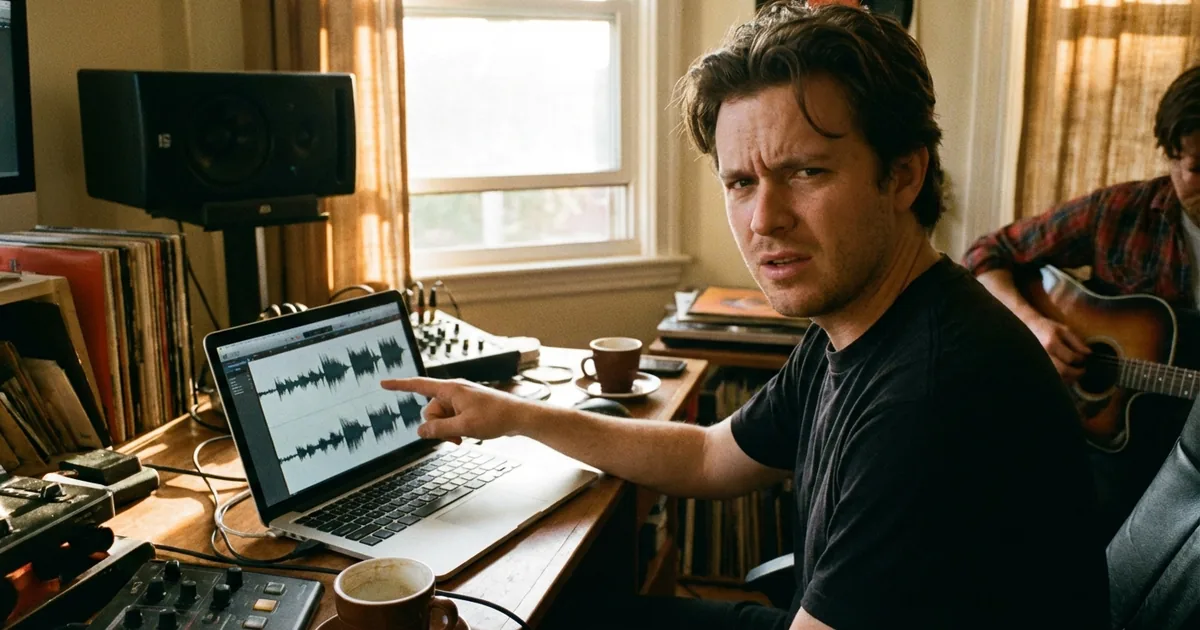
I tested the main contenders on five home studio recordings: a bedroom pop vocal, a rap verse recorded in a car, a singer-songwriter take from a carpeted closet, spoken word, and an R&B hook with ambient AC noise in the background.
What AI Vocal Enhancement Actually Does
Real AI enhancement is distinct from basic noise reduction or EQ matching. The models are trained on large datasets of professional vocal recordings, so they've learned the difference between room noise and breath, between sibilance and presence, between proximity effect and intentional warmth.
The best tools do three things simultaneously:
- Noise suppression — removes room noise, hiss, and background without artifacts
- Clarity enhancement — sharpens consonants and presence without harshness
- Dynamic balance — smooths micro-dynamic inconsistencies in the performance
What they don't do: fix timing, tune pitch, or compensate for a bad performance.
The Contenders
1. VocalEnhancer.com — Best for Music Production
Built specifically for music production contexts. Runs on Resemble Enhance, a model trained on music vocals rather than speech. That distinction matters — speech enhancement models tend to over-suppress low-end and reduce the breathiness that makes singing feel alive.
Bedroom pop vocal: Excellent. Removed room reflections without dulling the performance. Noticeable improvement in high-frequency clarity.
Car rap vocal: Very good. Handled irregular background noise better than expected.
AC noise test: Good. Suppressed the consistent hum cleanly — ~85% reduction.
Processing time: Under 60 seconds for a 3-minute vocal on GPU tier.
Pricing: Free tier available. Paid plans under $20/month.
Best for: Music producers, bedroom pop, hip-hop, R&B, any music production context.
Try it free →
2. Adobe Podcast (Enhance Speech) — Best for Spoken Word
Adobe's tool is genuinely excellent — for podcasts and voiceovers. The speech enhancement training means it aggressively processes the breathiness and natural variation that makes a singing voice feel human.
Spoken word: Excellent. Built for this.
Music vocals: Overcleaned. The bedroom pop vocal came back sounding processed and slightly unnatural.
Pricing: Free tier (30 min limit), $9.99/mo Premium.
Best for: Podcasters, voiceover, video content. Not ideal for music.
3. Krisp — Best for Live/Realtime
Processes audio in real-time — ideal for live streaming or recording while people are in the room. Not optimized for post-production file enhancement.
4. Cleanvoice — Specialized for Podcast Editing
Removes filler words, mouth noise, and silences from podcast-style recordings. Not a general enhancer.
Head-to-Head: VocalEnhancer vs. Adobe Podcast
| Feature | VocalEnhancer | Adobe Podcast |
|---|---|---|
| Built for music vocals | ✅ Yes | ❌ Speech-optimized |
| Preserves vocal breathiness | ✅ Yes | ⚠️ Often overcleaned |
| Free tier | ✅ Yes | ✅ 30 min limit |
| Price | Under $20/mo | $9.99/mo |
| Works for singers | ✅ Yes | ⚠️ Marginal |
The Realistic Expectation
On a home recording made in a closet with a $150 condenser mic, AI enhancement removes maybe 60–80% of what makes it sound “home recorded.” The rest is room acoustics, performance quality, and mix decisions that no tool can automate.
Think of it as the first step in post-production, not the last. Enhance → bring into your DAW → process the rest manually. The enhanced file gives your EQ and compression less to fight against.
Try VocalEnhancer free
Upload a raw vocal. Results in under a minute. No card required.
Enhance your vocal →Related reading
How to Make Your Vocals Sound Professional at Home →